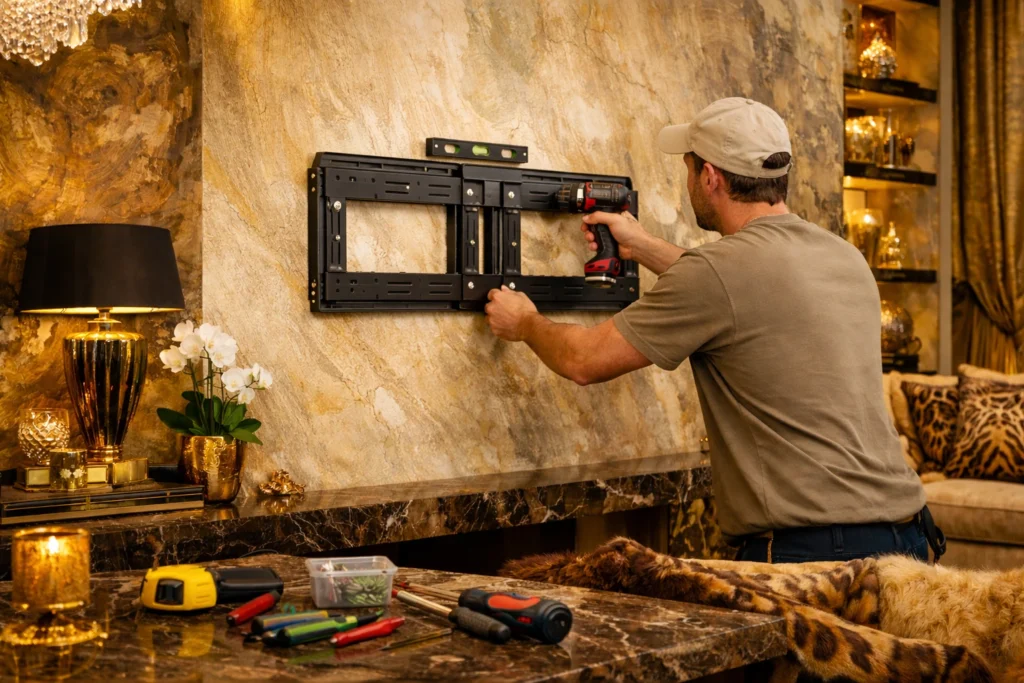
Wall-mounting a TV saves space, looks cleaner, and can improve viewing comfort when the screen is set at the right height. This guide walks you through a safe, DIY-friendly installation for common Dubai home walls (concrete, block, and some drywall partitions), including marking out, drilling, mounting the bracket, and final checks. Allow roughly 60–120 minutes, depending on wall type and whether you are organising cables. If you are unsure about the wall structure, hidden wiring, or the correct anchors, it is safer to stop and bring in a professional.
When it’s better to call a handyman
Call a handyman (or an electrician where applicable) if:
- The wall is drywall and you are not confident locating studs/metal framing or selecting the right fixings.
- You are installing a full-motion bracket with a 55″+ TV or roughly 20–25 kg+ (higher leverage loads).
- You want to move sockets, run cables inside the wall, or modify electrical points — that is a specialist job.
- The wall is finished with tile or stone, and you do not have experience drilling without chips/cracks.
- The TV must be mounted high up (stairs/loft areas) where safe ladder work is required.
- You are renting and need approval from the landlord/building management before drilling.
Tools and materials
| What you need | Example | Why it matters |
|---|---|---|
| VESA wall bracket | Fixed / Tilt / Full-motion | Holds the TV securely |
| Supplied hardware + upgraded anchors | Screws/bolts, anchors | Correct load rating for your wall |
| Drill / rotary hammer | Rotary hammer for concrete | Efficient drilling into concrete |
| Correct drill bits | Masonry, tile, metal/wood | Clean, accurate holes |
| Spirit level | 40–60 cm or laser | Keeps everything straight |
| Tape measure + pencil | 3–5 m | Accurate layout |
| Wall scanner | Detects wires/pipes/metal | Reduces strike risk |
| Socket/bit set | Hex keys, sockets | Proper tightening |
| Wall plugs/anchors (by wall type) | 8–10 mm for concrete; stud fixings for drywall | Load-bearing grip |
| Masking tape | Painter’s tape | Cleaner marks on tile |
| Cable trunking | PVC surface trunking | Safer DIY cable management |
| Soft blanket/mat | Blanket/rug | Protects the screen |
Note: Do not rely on generic “universal” plugs for heavy loads. Match fixings to the wall material and the bracket’s hole pattern.
Preparation and safety checklist
- Check the TV weight and size and compare them to the bracket rating (keep a safety margin).
- Confirm the TV’s VESA pattern (e.g., 200×200, 400×400).
- Identify the wall type: concrete, block/brick, drywall, tile finish.
- If renting, confirm drilling rules with landlord/building management.
- Mark a comfortable height: typically the screen centre is near seated eye level (adjust to your sofa).
- Scan the intended area with a wall scanner for wiring/pipes/metal.
- Clear the area and prepare a soft surface to rest the TV face-down.
- Plan cable routes so nothing is pulled tight (especially with full-motion brackets).
- For TVs larger than ~43″, plan to work with a second person.
- Use eye protection; for concrete drilling, add a dust mask.
- If you need any electrical changes (sockets, in-wall cable routes), use a qualified electrician.
- Do not mount a heavy TV into “empty” drywall without studs/reinforcement.
Step-by-step instructions
Step 1. Confirm TV and bracket compatibility
Goal: make sure everything matches and is load-rated correctly.
Actions:
- Find your TV’s VESA pattern and weight (manual/back label).
- Compare with the bracket’s VESA range and max load.
- Choose the bracket type: fixed (simplest), tilt, or full-motion (highest leverage).
- Check bolt size/length (often M6/M8) and any spacers required.
How to know it’s right: VESA matches, weight is below the bracket rating with margin, bolts thread in smoothly by hand.
Common mistakes: guessing VESA; forcing the wrong bolt and damaging threads.
Step 2. Choose the mounting position and height
Goal: comfortable viewing and practical access to power/cables.
Actions:
- Decide the screen centre height (often near seated eye level).
- Consider viewing distance (for 55″ a common comfort range is roughly 2.1–3.0 m, preference-dependent).
- Check power and HDMI access, and leave room for cable routing.
- Avoid direct AC airflow and strong sun glare where possible.
How to know it’s right: your posture stays neutral when looking at the screen; sockets and cables are reachable.
Common mistakes: mounting too high; placing too close to a corner where the bracket cannot swing.
Step 3. Identify the wall type and pick the correct fixings
Goal: ensure the wall can safely carry the load.
Actions:
- Concrete: use proper concrete anchors/wall plugs and a rotary hammer.
- Block/brick: use fixings appropriate for solid vs hollow block; avoid over-sizing holes.
- Drywall: locate studs/metal framing; mount into studs or use reinforcement for heavier TVs.
- Tile finish: start with a tile bit, no hammer action until through the tile.
How to know it’s right: you are not relying on “universal” plugs; fixings match the substrate and load.
Common mistakes: mounting heavy TVs into hollow drywall only; hammer-drilling tile from the first contact.
Step 4. Mark the bracket holes accurately
Goal: a level, symmetrical installation.
Actions:
- Hold the wall plate at the chosen height.
- Level it (spirit level or laser).
- Mark all hole centres clearly.
- Double-check alignment (especially for full-motion brackets).
How to know it’s right: marks are level and consistent; the plate sits squarely.
Common mistakes: skipping the level; not accounting for how the TV sits relative to the wall plate.
Step 5. Scan for hidden wiring/pipes before drilling
Goal: avoid striking services behind the wall.
Actions:
- Scan across the marked area with a wall scanner.
- If you get warnings, move the mounting position or stop and call a professional.
- Be extra cautious near sockets and switches.
How to know it’s right: drilling points are clear, or you have relocated them deliberately.
Common mistakes: ignoring scanner warnings; drilling directly above/below a socket line.
Step 6. Drill the holes (matched to your wall)
Goal: clean holes at the correct diameter and depth.
Actions:
- Use the bit size specified for your anchors (as per the fixing’s packaging).
- Keep the drill perpendicular to the wall.
- For tile: masking tape, slow start, no hammer until through tile.
- Mark depth on the bit with tape; remove dust from holes after drilling.
How to know it’s right: anchors fit tightly and do not spin; holes are neat and consistent.
Common mistakes: oversized holes; angled drilling; leaving dust so anchors don’t bite properly.
Step 7. Fix the wall plate securely
Goal: a rigid, wobble-free bracket base.
Actions:
- Insert plugs/anchors.
- Place the wall plate and hand-start all screws/bolts.
- Tighten gradually in an even pattern; re-check level as you go.
- Confirm there is no gap between plate and wall.
How to know it’s right: no movement when you pull gently; plate is level and fully seated.
Common mistakes: overtightening and stripping fixings; using fewer fixings than the plate requires.
Step 8. Attach the TV rails/arms to the TV
Goal: prepare the TV for hanging.
Actions:
- Lay the TV face-down on a blanket.
- Fit rails/arms using correct bolt length and spacers if needed.
- Tighten evenly without excessive force.
How to know it’s right: rails sit flush and secure; bolts do not bottom out.
Common mistakes: bolts too long (can damage the TV); uneven tightening.
Step 9. Hang the TV and lock the safety catches
Goal: seat the TV correctly and prevent accidental lift-off.
Actions:
- Do this step with two people for larger TVs.
- Hook the TV onto the wall plate as per the bracket design.
- Engage and tighten safety locks/catches (often at the bottom).
- Gently test for secure seating (no jerks).
How to know it’s right: TV is stable, level, and locked; it cannot be lifted off easily.
Common mistakes: forgetting the safety locks; trying to hang a large TV solo.
Step 10. Connect cables, tidy up, and perform final checks
Goal: safe cable routing and a clean finish.
Actions:
- Connect power and HDMI with enough slack for movement (full-motion brackets need extra).
- Create a small service loop so cables do not pull on ports.
- Use surface trunking for a neat DIY cable route.
- Power on and test picture/sound; check movement and strain relief.
How to know it’s right: cables are not taut; ports are not stressed; everything works normally.
Common mistakes: tight cables; bending HDMI sharply; attempting in-wall power/cable runs without a qualified pro.
FAQ (quick answers)
- What’s the best height to mount a TV?
Typically, place the screen centre near seated eye level. Measure from your sofa for best comfort. - Can I mount a TV on drywall?
Yes, but ideally into studs/metal framing or with reinforcement. Heavy TVs on hollow drywall alone are risky. - Do I need a rotary hammer in Dubai?
For concrete/solid walls, it makes the job faster and cleaner than a standard drill. - Which anchors should I use for concrete?
Use properly rated concrete anchors/wall plugs (often 8–10 mm depending on bracket and load). Match the fixing to the hole size. - How do I drill through tile safely?
Use a tile bit, start without hammer action, keep speed controlled, and switch modes only after the tile is penetrated. - Is drilling near a socket dangerous?
It can be. Wiring often runs vertically/horizontally from sockets. Use a scanner and relocate if unsure. - Fixed vs full-motion: which is safer?
Fixed is simplest and places less leverage on fixings. Full-motion is convenient but demands stronger fixings and careful mounting. - What’s the safest way to hide cables DIY?
Surface trunking is the safest DIY approach. In-wall routing and socket changes should be done by qualified professionals.
If you followed the steps, your TV should sit level, feel solid with no wobble, and your cables should be tidy with enough slack to avoid port strain. If anything about the wall, wiring, or fixings feels uncertain, stop—TV drops and electrical strikes are not worth the risk. If you want a fast, neat installation (especially on tile, drywall, or full-motion brackets), “Master na chas” can help in Dubai with mounting and cable management.